
InVideo AI Review 2026: This Tool Makes Faceless Videos in 60 Seconds — But Is It Worth It?
I’ll be honest with you. When I first saw the claim “make a video in 60 seconds with AI,” I rolled my eyes. I’ve tested enough overhyped tools to know that most of them deliver a watermarked slideshow you’d never actually post anywhere.
So I spent two weeks inside InVideo AI, running it through real use cases — faceless YouTube Shorts, TikTok clips, and product explainers. What I found surprised me, both in a good way and a frustrating one.
Here’s my honest breakdown.
4.1 / 5
What Is InVideo AI?
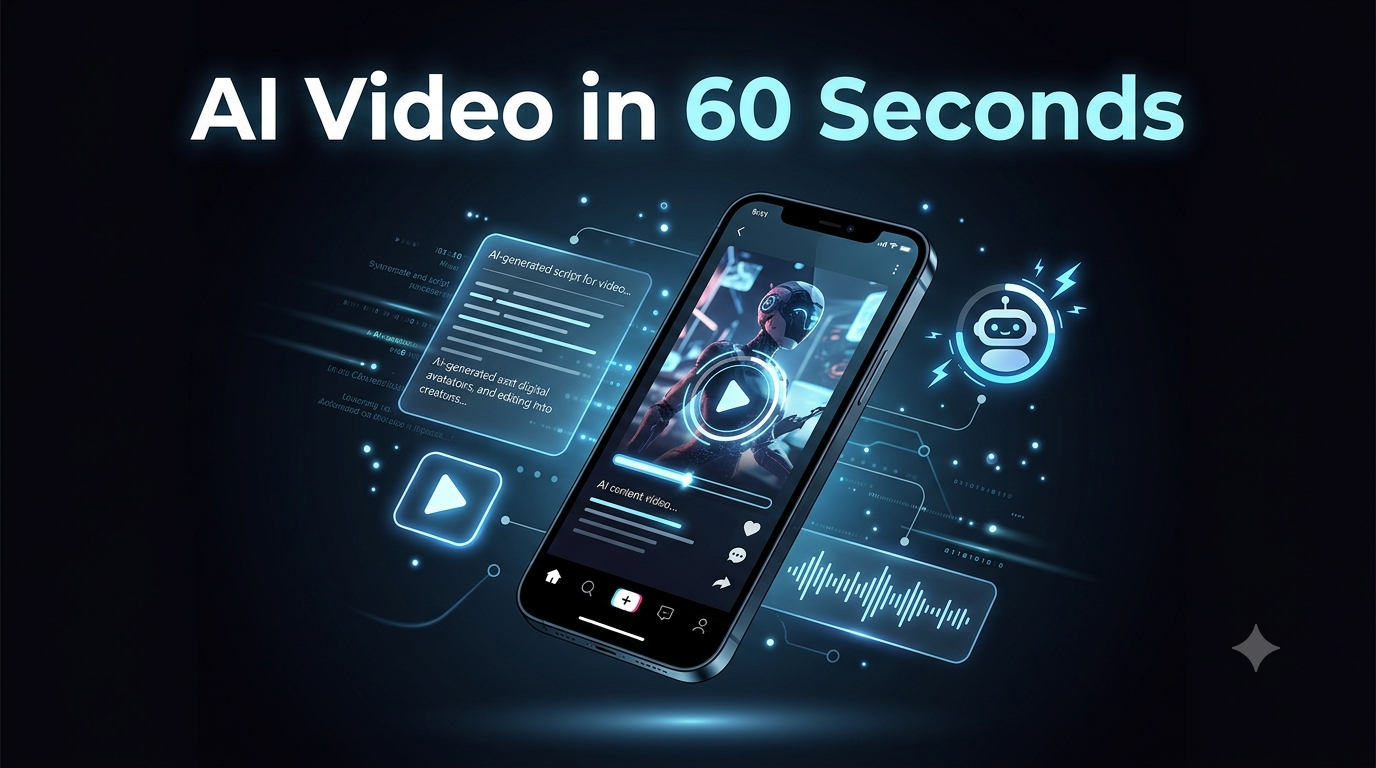
InVideo AI is a browser-based video creation platform. You type a prompt — or paste a script — and it builds a full video: scenes, stock footage, AI-generated visuals, voiceover, music, subtitles, and transitions. No timeline editor. No Premiere Pro skills needed.
The platform has been around since 2017, but 2025–2026 changed everything. InVideo became OpenAI’s first official partner for Sora 2, and also integrated Google’s VEO 3.1 — the two most powerful AI video generation models on the market. Getting both under a $25/month subscription is, genuinely, a big deal.
Who Is It Actually For?
Before diving into features, let me be clear about who benefits most from this tool:
- ✅ Faceless YouTube channel builders who don’t want to appear on camera
- ✅ Social media managers producing TikToks, Reels, and Shorts at volume
- ✅ Freelancers making quick explainer or product videos for clients
- ✅ Bloggers who want to repurpose written content into video
- ❌ Professional video editors who need frame-precise control (use Premiere Pro)
- ❌ Brands needing hyper-consistent visual identity (AI approximates, doesn’t match)
Key Features in 2026
1. Prompt-to-Video in Minutes
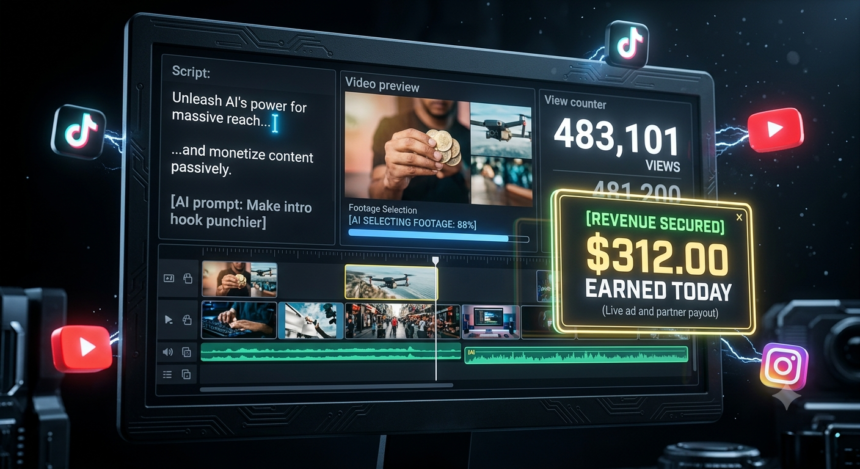
You type something like: “Make a 60-second TikTok about 5 AI tools that help you make money online.” InVideo writes the script, selects footage from its 16M+ asset library, adds an AI voiceover, music, and subtitles — and hands you a finished draft. The first result is usable around 60–70% of the time without touching anything.
2. Sora 2 + VEO 3.1 Access
This is InVideo’s biggest 2026 advantage. Both models generate cinematic, physics-accurate footage that gets inserted automatically alongside stock clips. Standalone Sora access costs $200+/month on OpenAI’s own platform. Here you get it inside a $25 subscription alongside 200+ other AI models including Kling 3.0 and ElevenLabs voice generation.
3. Magic Box Conversational Editing
Instead of dragging clips on a timeline, you type commands: “Make the intro more urgent,” “Swap the background music for something calmer,” “Add a call-to-action at 45 seconds.” It works about 75% of the time. The other 25%, you’ll need a retry — and every retry costs credits.
4. Voice Cloning
Upload 30 seconds of your voice (or any voice) and InVideo clones it across your videos. The 30-second sample requirement is genuinely short — most competitors need 60+ seconds. Multiple independent testers rank the clone quality as strong enough for social media publishing.
5. Faceless YouTube Automation
The full pipeline is covered natively: AI script → AI footage selection → AI voiceover (in your cloned voice) → auto-subtitles → background music → multi-format export. For creators building faceless channels, this eliminates the need for 4–5 separate tool subscriptions.
Pricing in 2026
| Plan | Monthly | Annual | AI Minutes/mo | Watermark |
|---|---|---|---|---|
| Free | $0 | $0 | ~10 min/week | Yes ❌ |
| Plus | $25 | ~$20/mo | 50 AI min | No ✅ |
| Max | $60 | ~$48/mo | 200 AI min + 4K | No ✅ |
| Generative | $120+ | ~$100/mo | Sora 2 / VEO focus | No ✅ |
Important: Credits don’t roll over month to month. If you have a slow week, you lose those minutes. Plan your content calendar accordingly.
Pros and Cons
✅ Pros
- Sora 2 + VEO 3.1 bundled at $25/mo
- 200+ AI models under one subscription
- Full faceless video pipeline built-in
- Voice cloning with 30-sec sample
- Free plan available (no credit card)
- 50+ language support for subtitles/voice
❌ Cons
- Credits expire monthly — no rollover
- Editing commands fail ~25% of the time
- AI scripts can feel formulaic
- Manual B-roll swaps needed for niche topics
- No blog-to-video repurposing feature
- Refund policy has caused complaints
How Does It Compare to Alternatives?
| Tool | Best For | Starting Price | AI Models |
|---|---|---|---|
| InVideo AI | Faceless channels, social volume | $25/mo | Sora 2, VEO 3.1, Kling 3 |
| HeyGen | Realistic AI avatars / talking head | $29/mo | Avatar IV (best realism) |
| Synthesia | Corporate / multilingual training | $29/mo | Business avatars |
| Pictory | Blog-to-video repurposing | $19/mo | Stock-based |
| CapCut | Editing filmed footage (free) | $0 | Basic AI features |
Bottom line on alternatives: If you need avatar realism, go HeyGen. If you need blog-to-video, go Pictory. If you want the broadest AI model access for faceless content creation, InVideo wins this category in 2026.
My Real Test Results
I ran InVideo through four use cases over two weeks:
Faceless YouTube explainer (5 min video): First draft was 65% usable. Needed about 3 manual B-roll swaps for a tech topic. Total time from prompt to publishable video: 18 minutes. That’s fast.
TikTok batch (7 videos in one sitting): Worked well. The AI generated consistent quality across all 7. The voiceover variation between videos was minimal — you’ll want to manually adjust tone prompts for each one.
Product explainer for a client: Strong result. The Advertising Studio feature (new in 2026) handled product images and auto-built hooks optimized for TikTok. Saved about 2 hours vs doing it manually.
Stress-testing Magic Box editing: Roughly 1 in 4 commands needed a retry. Annoying, but not a dealbreaker for the price point.
Is InVideo AI Worth It in 2026?
Yes — for the right creator.
If you’re building a faceless YouTube channel or producing social content consistently (5+ videos/week), the Plus plan at $20/month (annual) is genuinely hard to beat. Sora 2 and VEO 3.1 access alone would cost 10–20x that price if licensed directly.
If you’re a casual user making 2–3 videos a month, the math doesn’t work. At $25/month, the economics only justify themselves with consistent, high-volume output.
Start with the free plan — no credit card needed — and run 2–3 test videos before committing to paid.
Test the full pipeline before spending anything
Start Free on InVideo AI →
Frequently Asked Questions
Can I make faceless YouTube videos with InVideo AI?
Yes. The full faceless pipeline is built-in: AI script writing, AI footage selection, AI voiceover (with voice cloning), auto-subtitles, background music, and multi-format export. Several users report monetizing channels within two months of using it for consistent output.
Does InVideo AI work for TikTok and Instagram Reels?
Yes. Vertical format (9:16) export is supported across all paid plans. The Advertising Studio feature specifically optimizes hooks and calls-to-action for TikTok and Instagram.
What’s the difference between InVideo AI and InVideo Studio?
InVideo AI generates full videos from a text prompt automatically. InVideo Studio is a traditional drag-and-drop template editor for manual control. Both are available on the same account. Most creators start in AI mode and drop into Studio for fine adjustments.
Does the free plan have a watermark?
Yes. The free plan includes a visible InVideo watermark. You need at least the Plus plan ($25/month or ~$20/month billed annually) to export without watermarks.
Can InVideo AI clone my voice?
Yes. You need just 30 seconds of audio — shorter than most competitors. The Plus plan includes 2 voice clones, the Max plan includes 5.